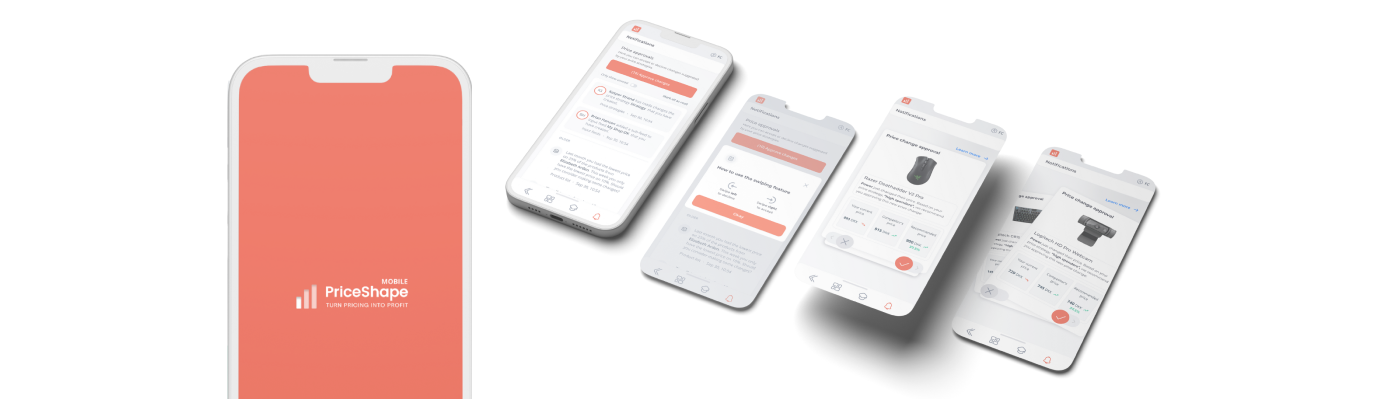


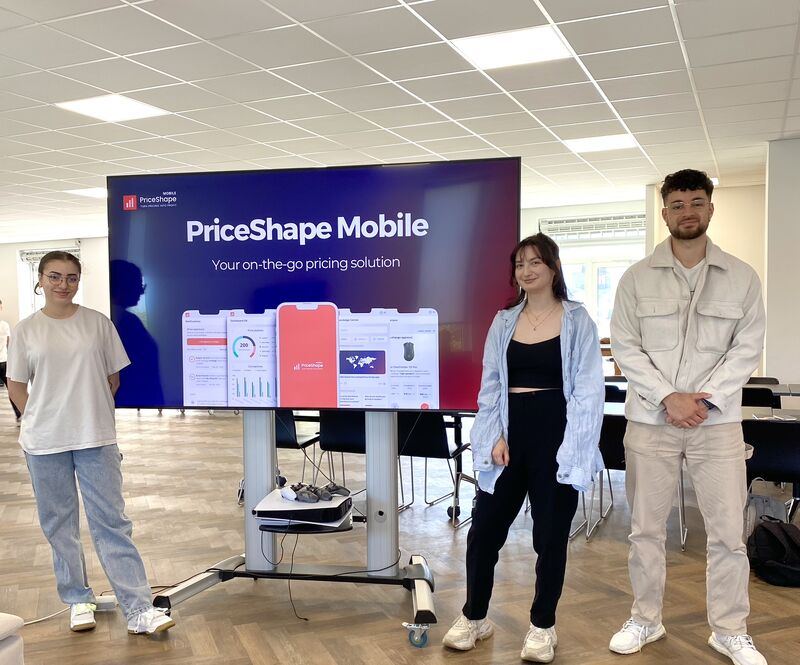
Together with two of my fellow classmates we created the mobile companion app in cooperation with PriceShape – a price monitoring SaaS company based in Risskov, Denmark. My focus was mainly on methodology & designing.
UX/UI design
ux research
prototyping
PriceShape has a complex software solution only available on desktop; users don’t have an access to the software on mobile devices.
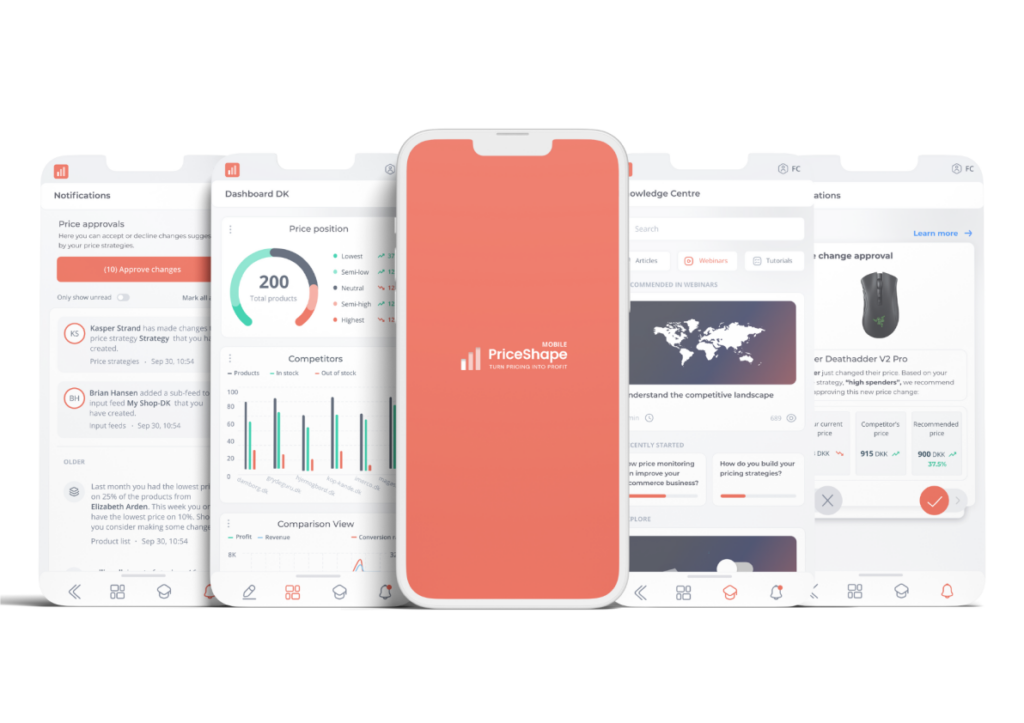
The PriceShape Mobile – a companion app. Aiding in the overall user experience by enabling clients to stay updated on their competitors on the go.
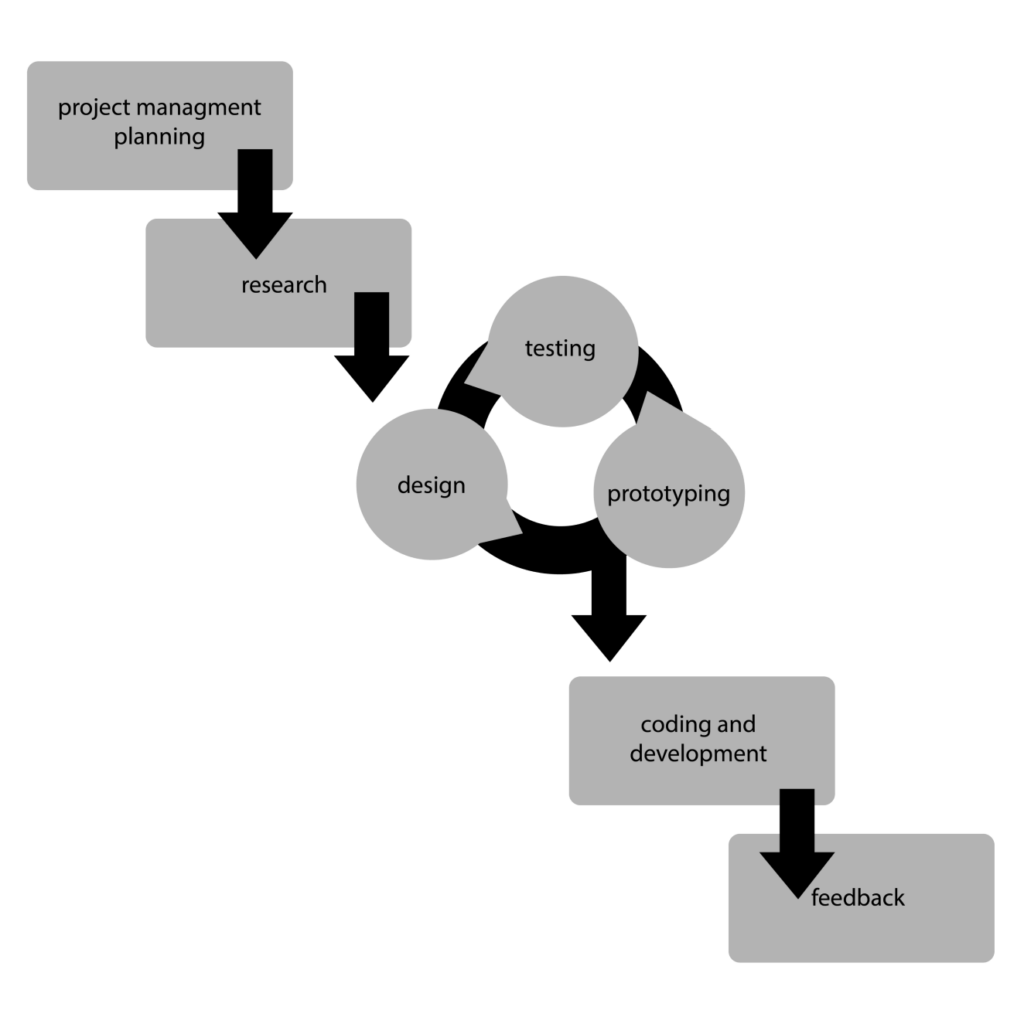
To ensure my team’s work will be both successful and satisfactory for everyone involved, I’ve created a fusion between agile method called RAD and classic approach – waterfall development.
project management
theoretical methods
The research phase involved a mix of qualitative and quantitative methods to collect data, including surveys, interviews, user observations, and data analysis. My team & I also considered market trends, competitors’ strategies, and best practices in the industry.
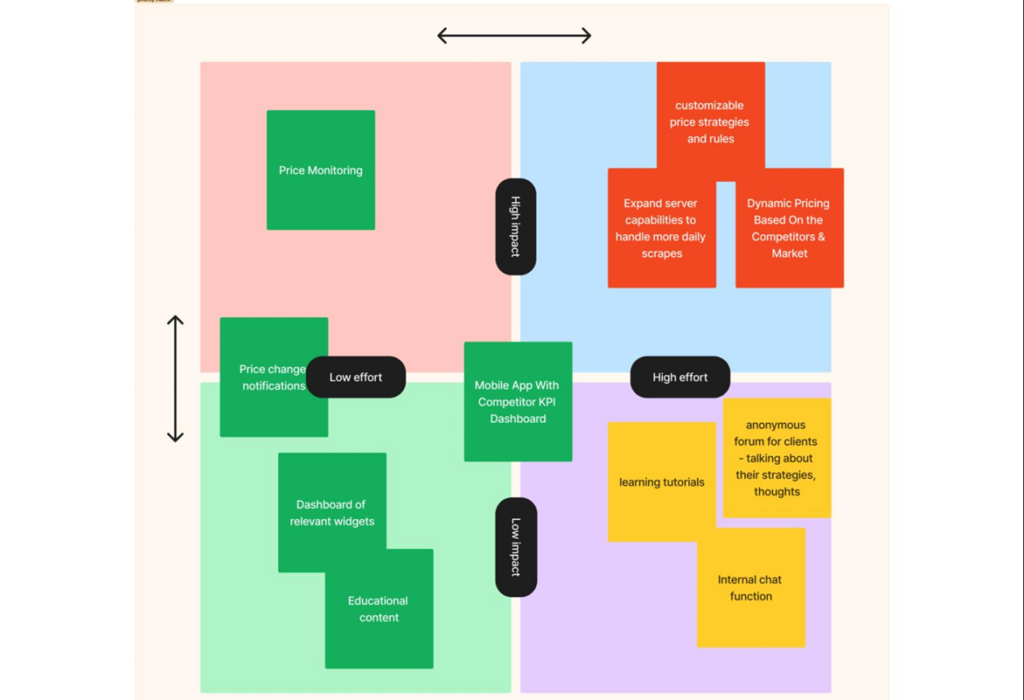
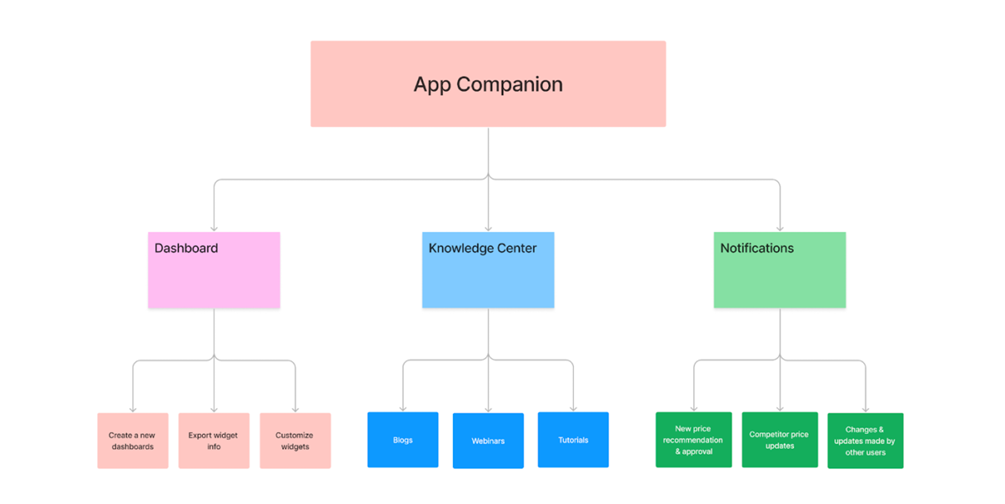
Lastly, we collected and synthesized all the research findings and insights obtained from previous phases to create different visual maps.
desk research
mapping
field research
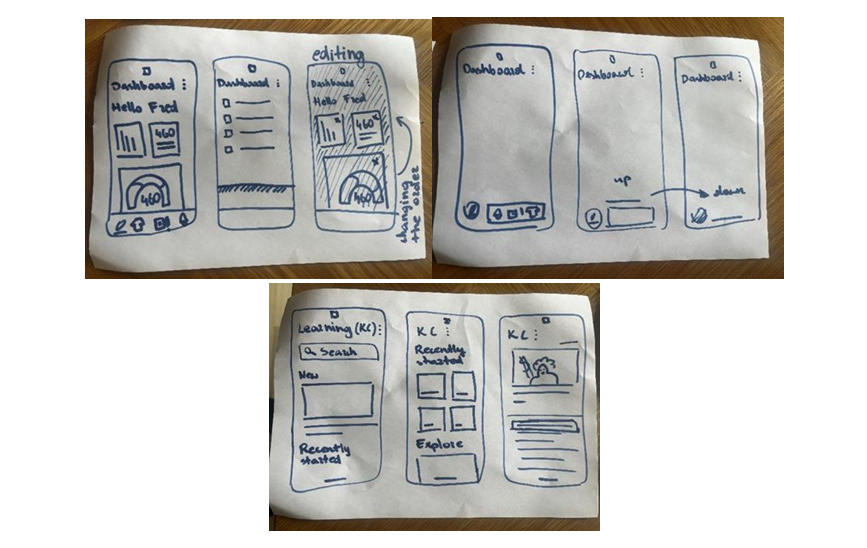
In the first subphase of designing, I focused on sketching all the elements that my team wanted to included in our mobile app.
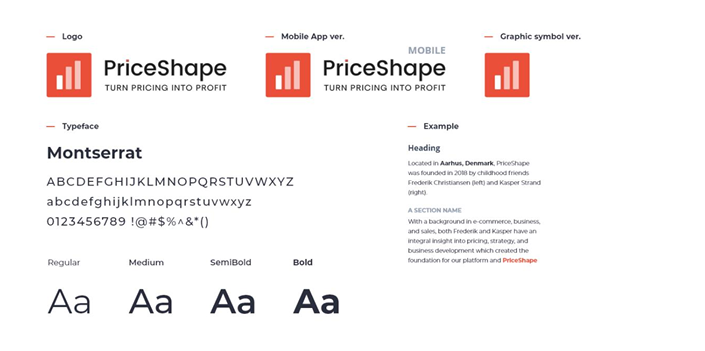
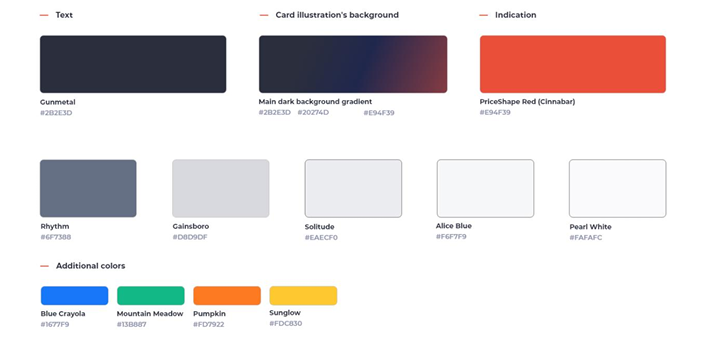
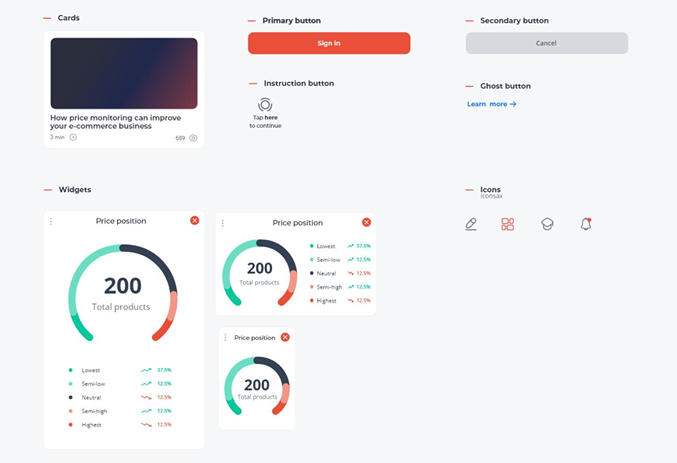
While still discussing the details of the features, I put together style tiles using existing design elements and making a few adjustments to fit them into the app (all the PriceShape’s products where designed mainly for desktop).
adobe xd
sketching
style tiles
ideation
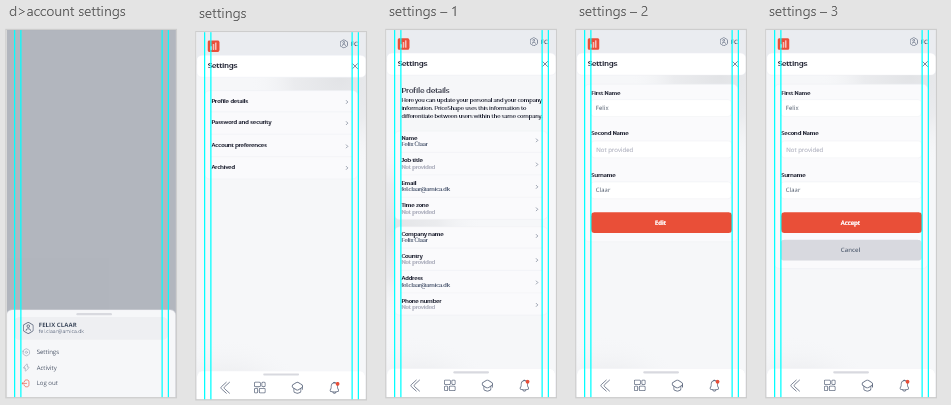
Next step included designing sketched features into the app’s screens.
As we were following our fusion of different project management’s methods, we were testing some of the features or/and confronting them with features in the other popular apps. However, after few rounds of designing & testing we had to make a decision on what to go with. Otherwise, we would fixate on one feature and never develop the app.
decision making
Having the desktop platform as an example on how the app should be built was both making the whole process easier and more difficult.
Even though there were certain parts that we didn’t have to design from scratch, everything was made exclusively for desktop, which would work terribly in mobile app. Consequently, I spent significant amount of time on redesigning already existing features.
adobe xd
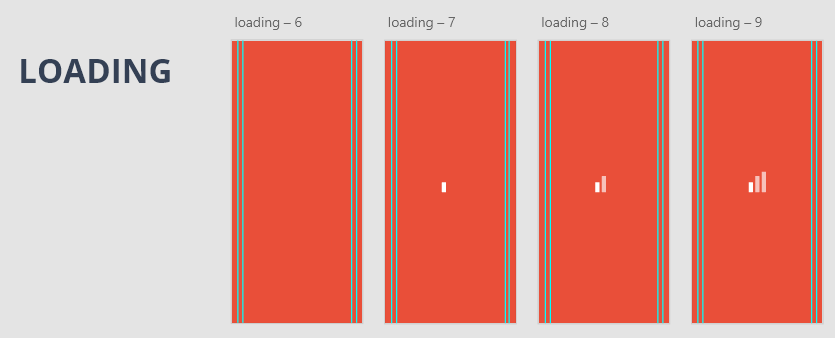
In the final phase of designing, despite basic tasks like connecting screens, ensuring the flows are smooth, I’ve included animations (loading process, moving gradient in the background inspired by the one used by YouTube, etc.) and gamification (e.g. swiping feature).
adobe xd
animation
gamification
I can easily say that we went through 3 feedback sessions: final testing of our app, feedback from PriceShape and, finally, official critique of our project from our thesis’ supervisor.
However, between the two first feedbacks and the last one we made some improvements.
presenting
Based on the feedback we received from PriceShape and our own testing, I made numerous changes in the prototype.
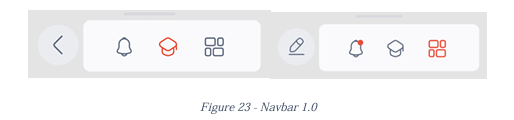
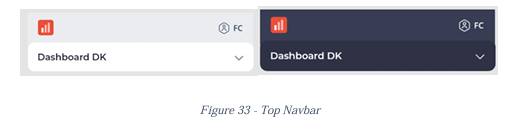
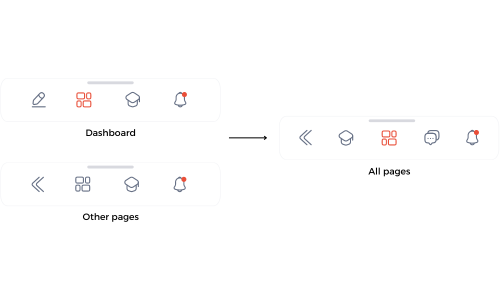
One of them included once again changing our navigation bars as it turned out unnecessary confusing for users.
PriceShape Mobile represents the culmination of 10 weeks of dedicated effort.
Collaboration as a team played a significant role in navigating through the challenges, allowing my team & me to persevere and give our best for one another. The collective responsibility of each team member ensured the successful culmination of the project.
team work
graphic design & content
marketing
Works produced during an internship at NoHo
UX&UI
companion app
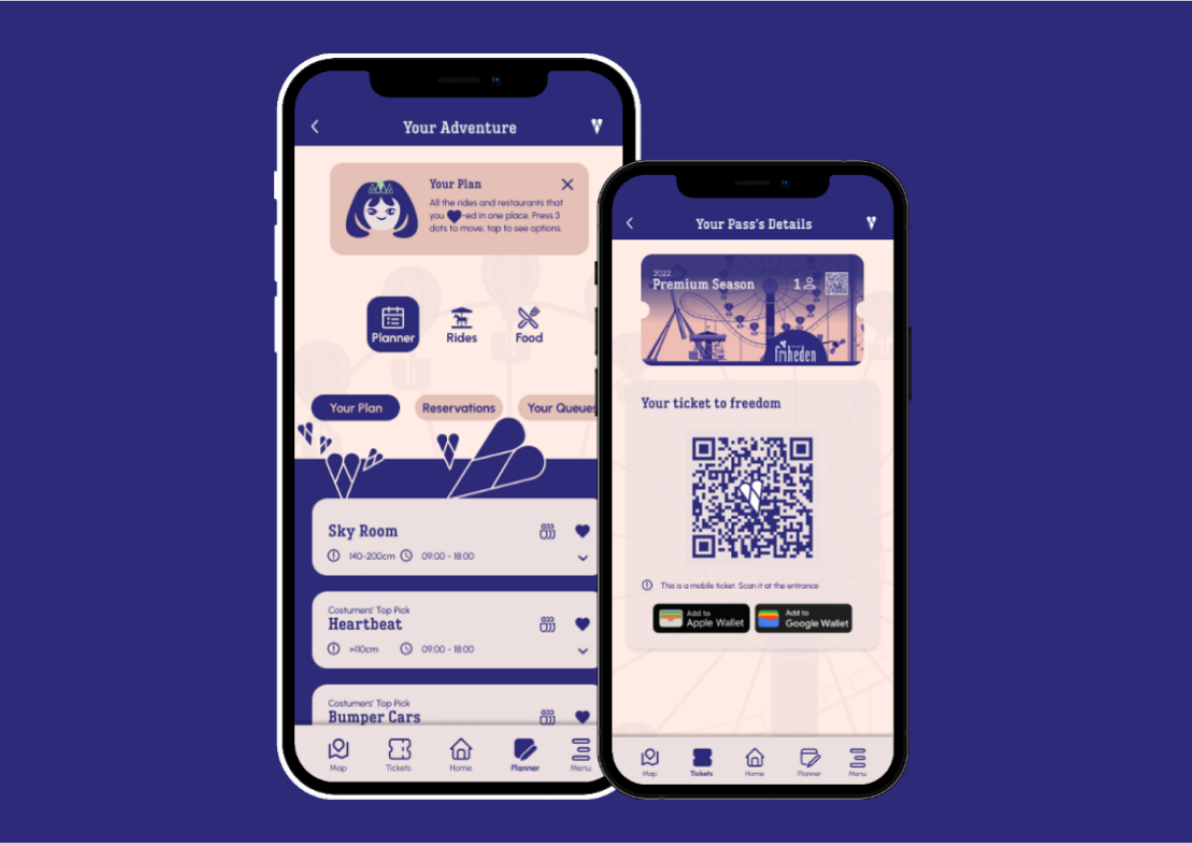
The study case featuring Tivoli Friheden app